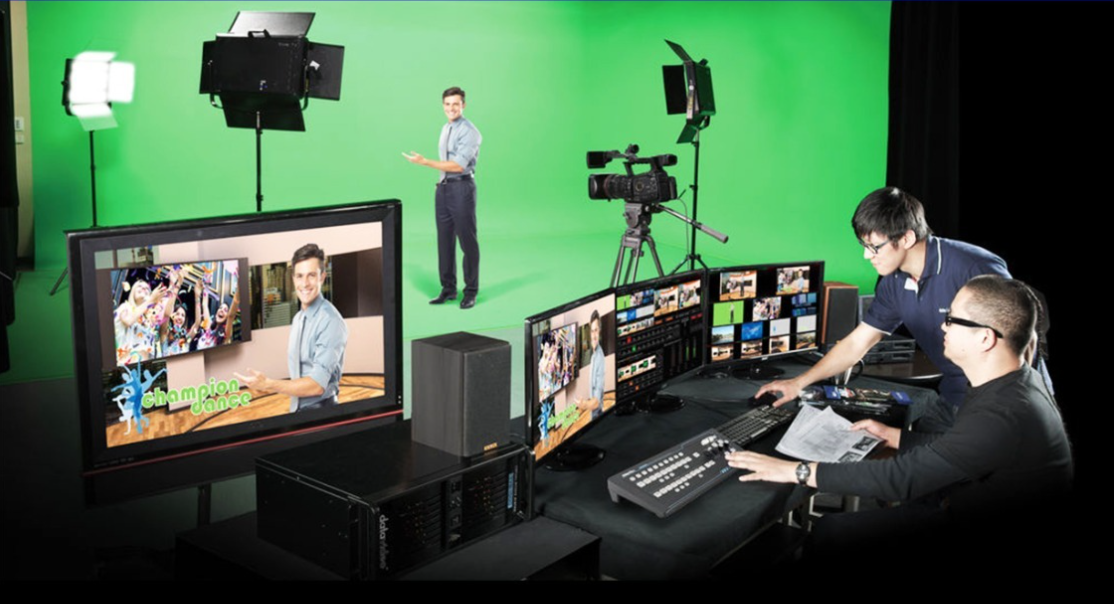
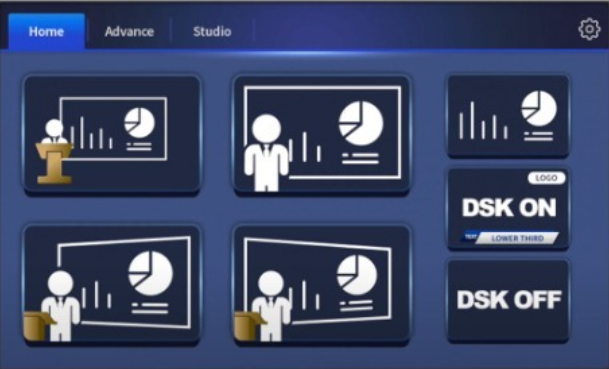
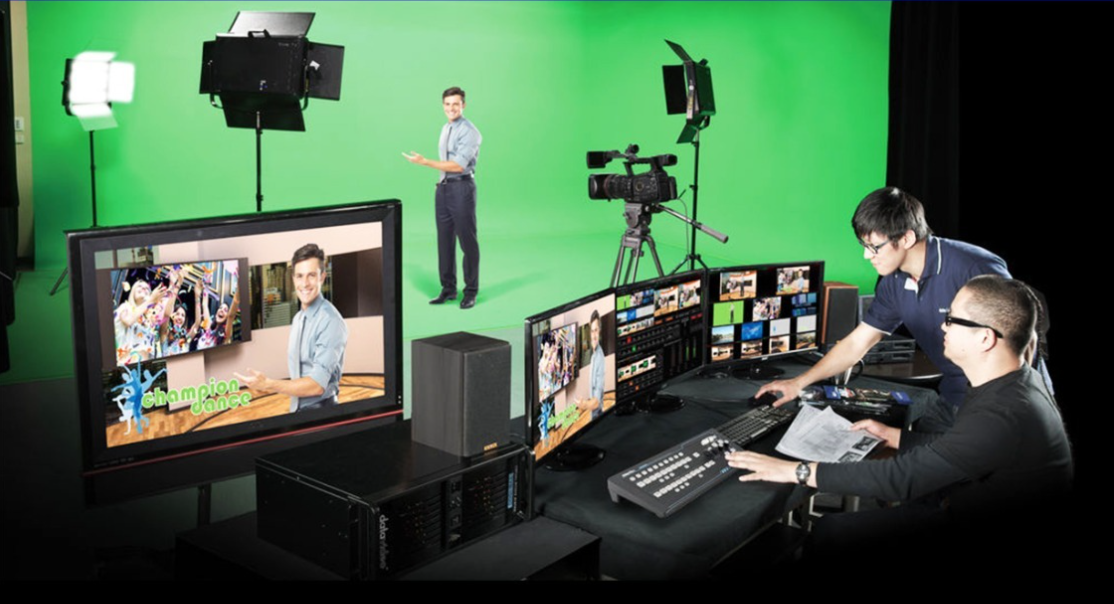
The hardware controller developed for the system is simple to use and easy to operate. Datavideo RMC-280 is a physical control panel designed and customized for TVS-2000A. The panel layout mimics the system Ul, giving you the ability to easily operate the system with minimal errors and in a professional way. The control panel is a one-stop operation for switching between virtual cameras, selection of multimedia materials, access to DSK and shortcut keys, etc. F1 to F10 custom keys can be configured for quick access to frequently used functions thus enhancing your system.
| Easy Switch, Record and Live Stream | Easy Change Virtual Studio | Compact and Easy Installation |
|---|---|---|
| Datavideo TPC-700/TPC-700P is the best assistant for TVS-2000A Virtual Studio System. The TVS-2000A App that are installed on the TPC-700/TPC-700P contain presets of common operation functions. The interface is easy to use and can be controlled with a few finger taps on the 7-inch touchscreen to easily select different presets multi- camera Virtual Studio switching, downstream key, and virtual studio presets. The Easy to live stream and record your virtual production show on the go. | Datavideo TPC-700/TPC-700P allow user to install 4 virtual studios in the App. Just tap your desired virtual scene mode directly from the TPC-700/TPC-700P for recalling the corresponding virtual scene. | The TPC-700/TPC-700P are compact designed. User can apply a D-sub 9 pin to RJ-45 cable and a 9-pin female/female RS422 cable to connect TPC-700 and TVS-2000A system. Quick connection. Simple installation. The TPC-700P supports PoE power supply feature. |
| Easily create your virtualset with no prior professional experience | All 4 virtual cameras have real pan, tilt, zoom movements | True 3D Virtual Cameras with Easy Pan, Tilt, Zoom and Crane Movements between Images |
|---|---|---|
| The TVS-2000A's built-in 3D virtualset wizard places blue thumbtacks on empty virtualsets to indicate default points for inserting objects. On the floor, you can place desks, pot plants or carpets. You can hang lights from the ceiling and decorate walls with posters and other accessories. This allows you to quickly customize the empty virtualset for your application. With just a few simple button clicks, you can easily create a professional broadcast quality program. | Supports Tracking Virtual Studio and Trackless Virtual Studio simultaneously With 2 channels SDI input, can simulate 4 camera studio operation (Trackless Mode). 1 channel HDMI AUX input for powerpoint from laptop, or any other live video sources Supports Mini phone jack audio input, can embed external audio into SDI/HDMI PGM output. | You only need one camera to create varieties of image views using pan, tilt, zoom and crane movements. With the true 3D simulation algorithm, the user only needs one stationary camera to easily mimic pan, tilt, zoom and crane movements between images at all angles. The system allows up to 15 presets of virtual camera views, giving you the versatilities that you need to generate varieties of video effects. |
Tell us about your room or use-case, and our team will get back with pricing, availability and a tailored proposal.