(1) Now Empower your local trainees to see the content crystal clear with the right kind of display at all times from a distance !
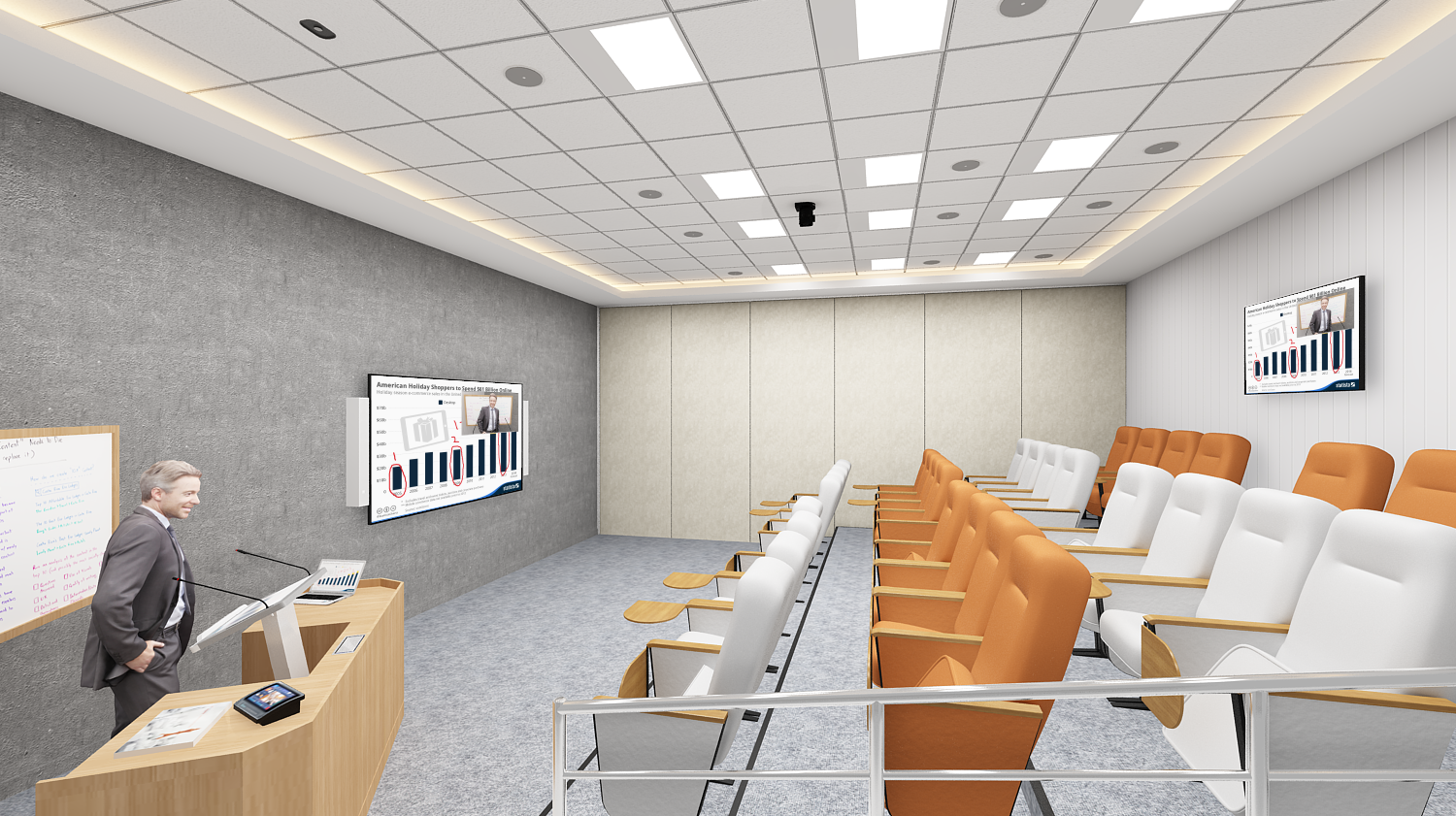
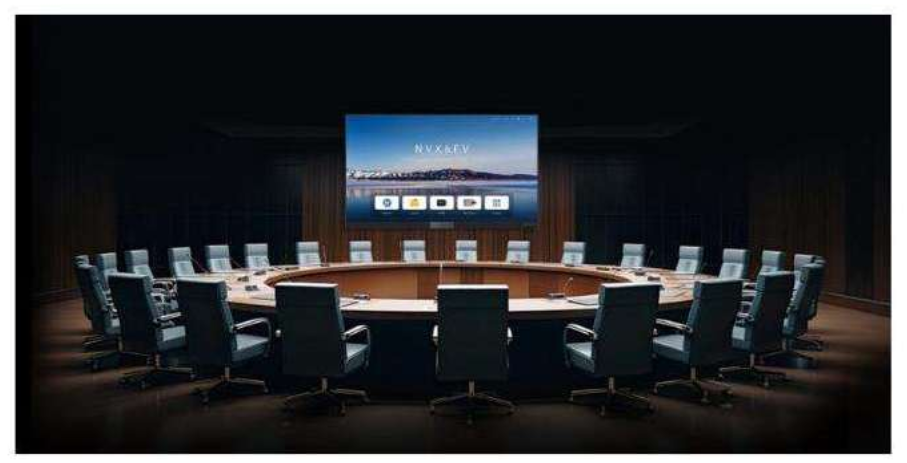
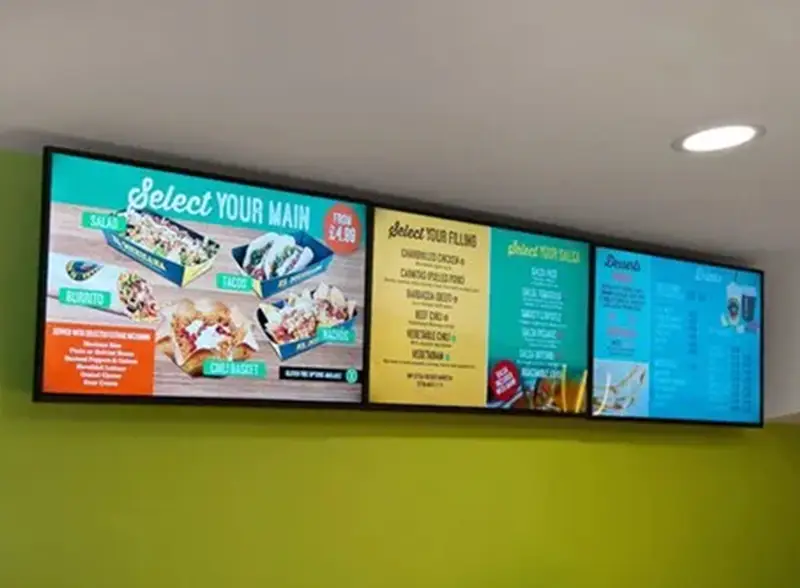
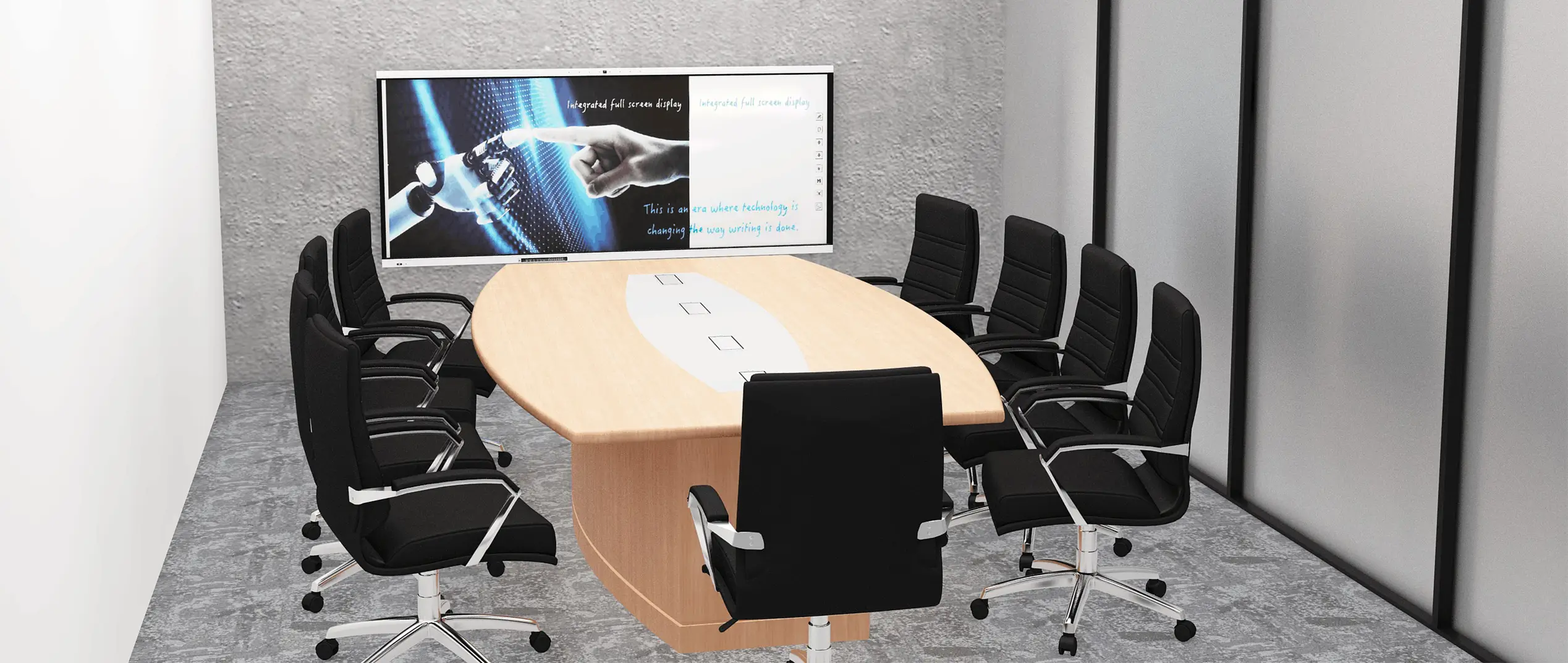
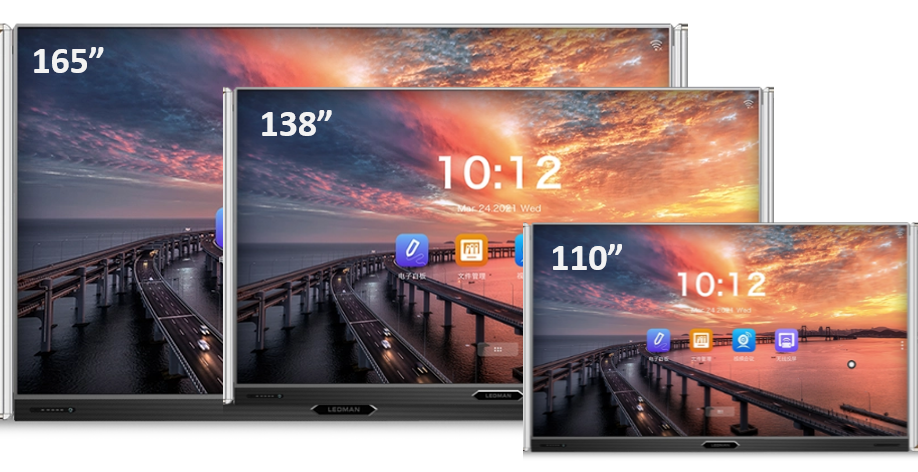
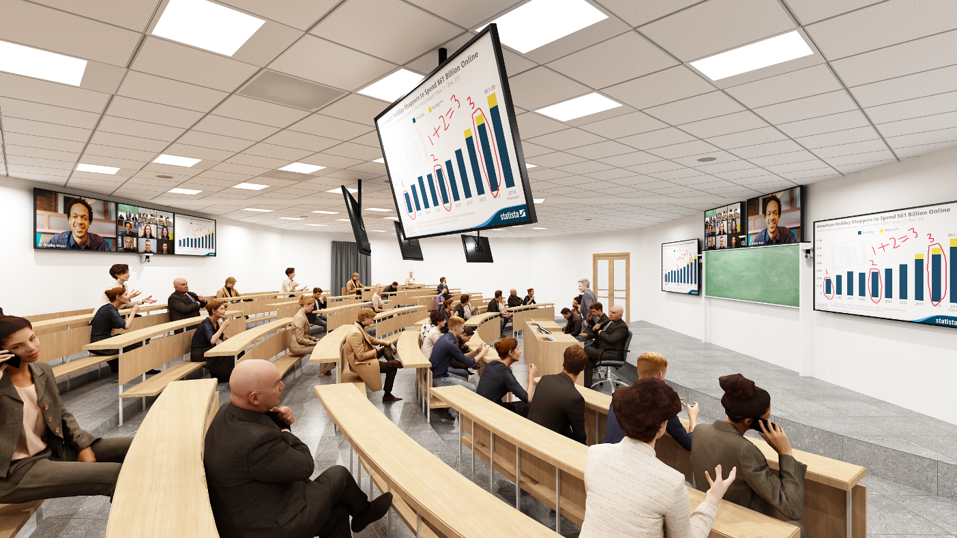
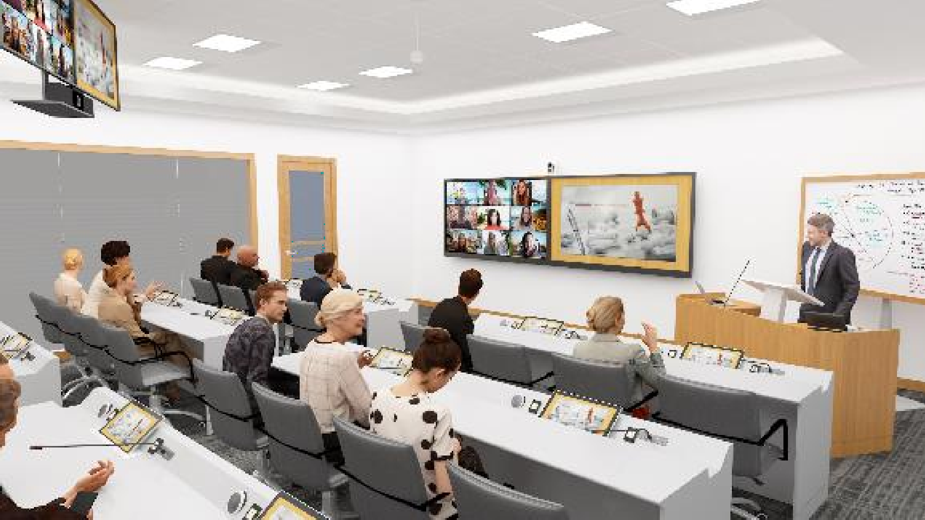
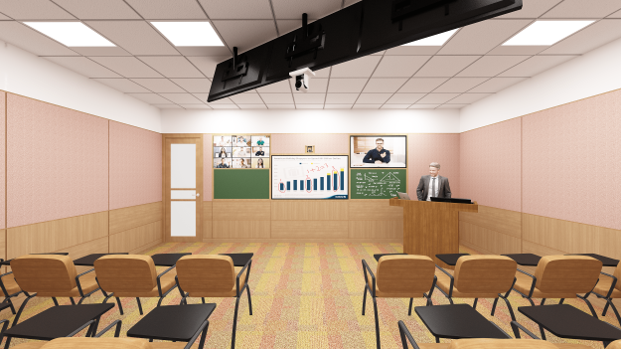
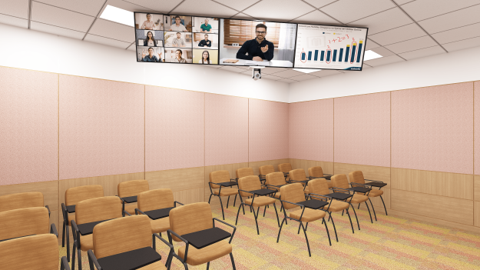
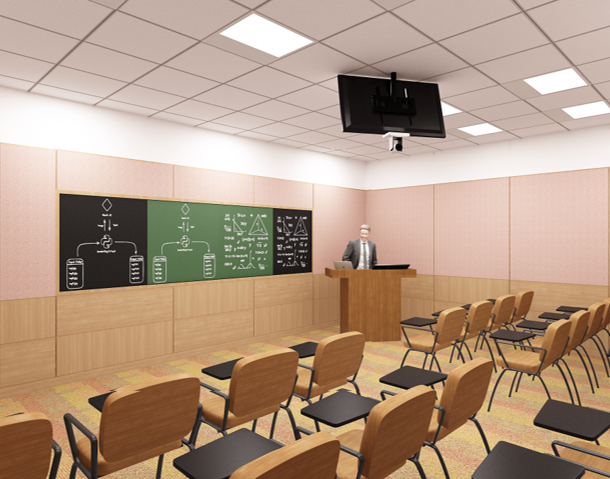
Half of the trainees can not see the content properly because of the small size of the display. Now, Irrespective of the size of the Training Room , Business Octane ensures the right size of front display for your training rooms and trainees, which is arrived at by measuring the distance between the screen and the last trainee divided by three . Available in 6 sizes75”, 86” , 98”, 110”, 138” & 165”.
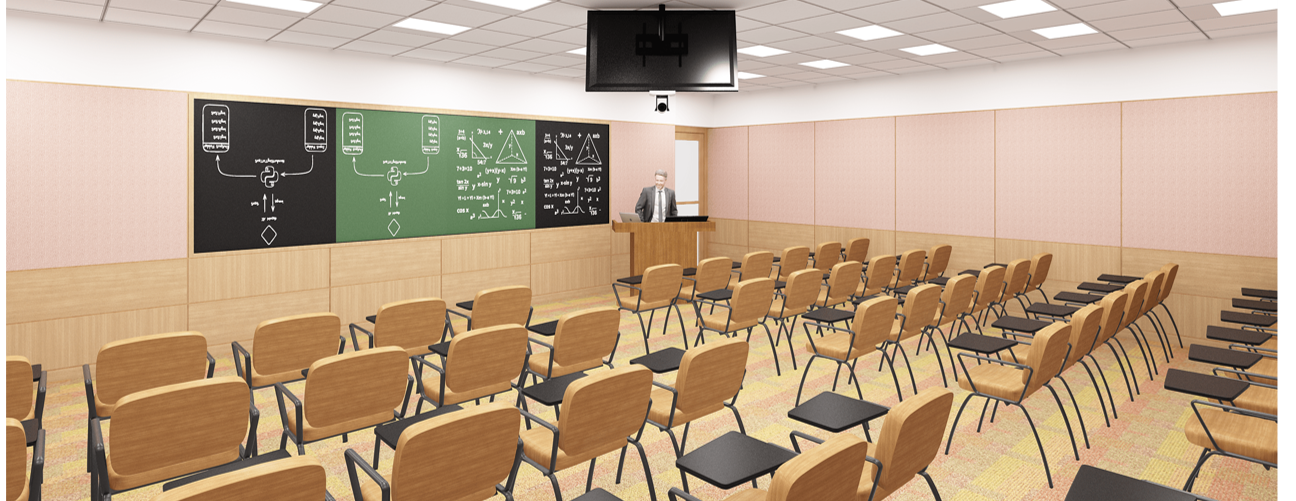
All front displays ranging from the sizes of 75”, 86 “, 98” come jointly with two Chalk greenboards/ blackboards/ whiteboards for easy writing on chalk boards while simultaneously displaying the green board notes on the central touch monitor and emailing all the notes to the class.
Synchronous writing - Supports blackboard writing, retaining the teacher's traditional blackboard writing habit . Training & Education are produced with sliding green boards embedded with sensors that allow you to do synchronous writing on the main display . Smart Interconnection -Write on any ceramic green boards and magnify & show it on the LED display
All front displays ranging from the sizes of 75”, 86 “, 98” come jointly with two Chalk greenboards/ blackboards/ whiteboards for easy writing on chalk boards while simultaneously displaying the green board notes on the central touch monitor and emailing all the notes to the class.
Synchronous writing - Supports blackboard writing, retaining the teacher's traditional blackboard writing habit . Training & Education are produced with sliding green boards embedded with sensors that allow you to do synchronous writing on the main display . Smart Interconnection -Write on any ceramic green boards and magnify & show it on the LED display
All front displays ranging from the sizes of 110” & 135” & 165” come jointly with four Chalk greenboards/ blackboards/ whiteboards for easy writing on chalk boards while simultaneously displaying the green board notes on the central touch monitor and emailing all the notes to the class.
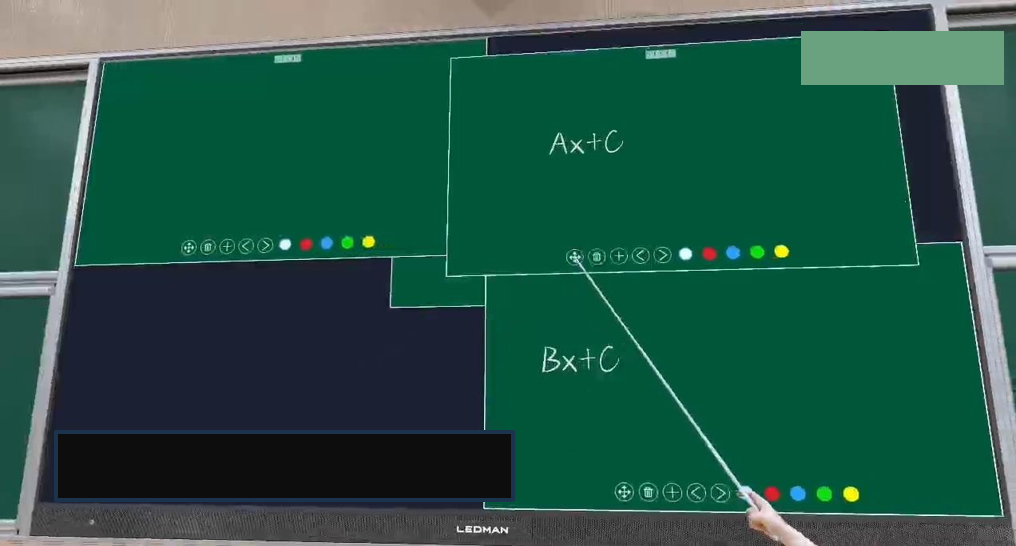
SPLIT SCREEN TECHNOLOGY:- Interactive 4 split screen whiteboards allow you to write on lower whiteboards, push them up and write on new blank whiteboards. Write down on the lower green board and push it up, then again write on the lower greenboard First time enable your Trainer and teachers to write on 110”, 135”, 165” displays which they could not do it earlier, because their hands could never access the upper half part of the large screens
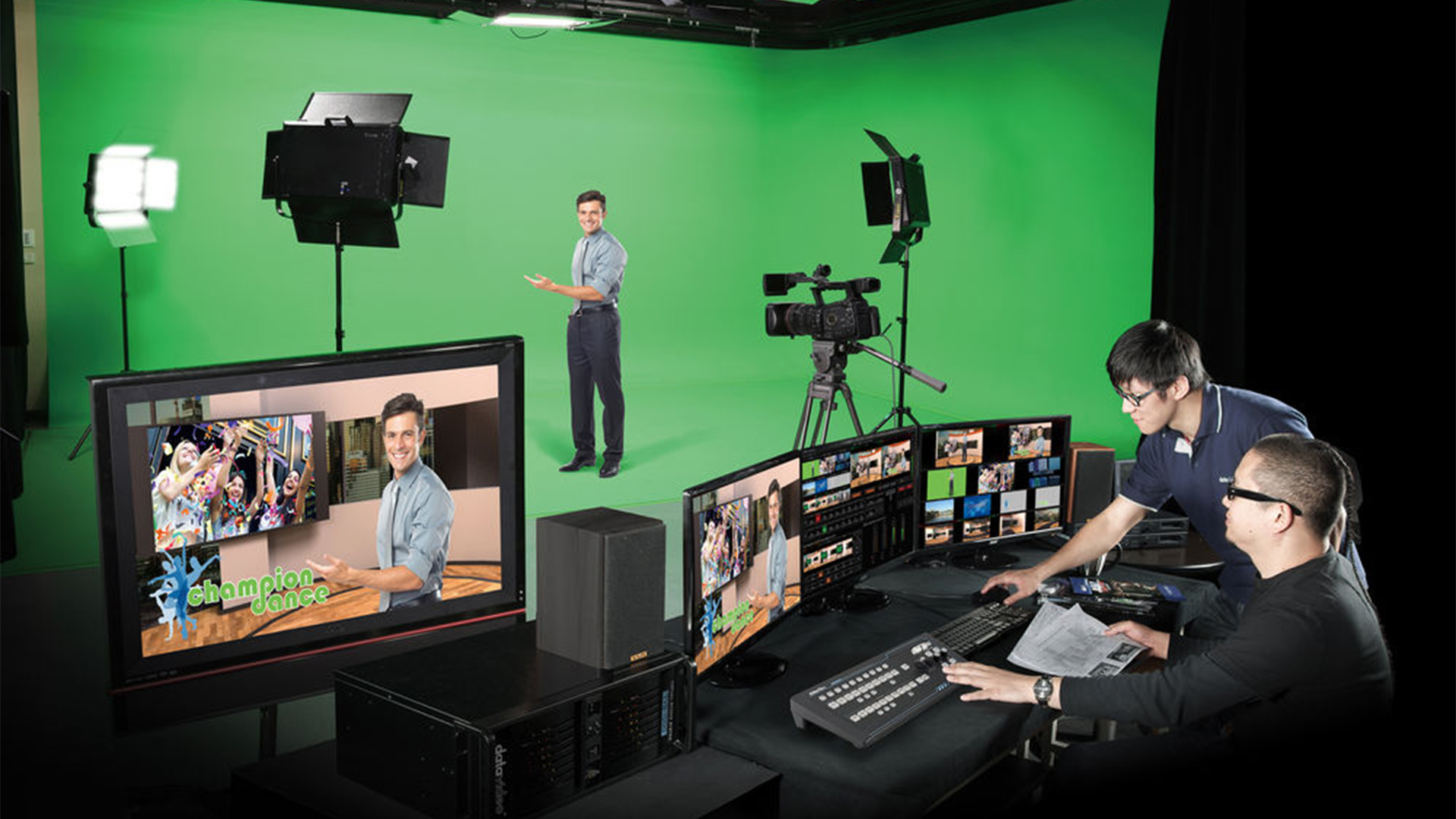
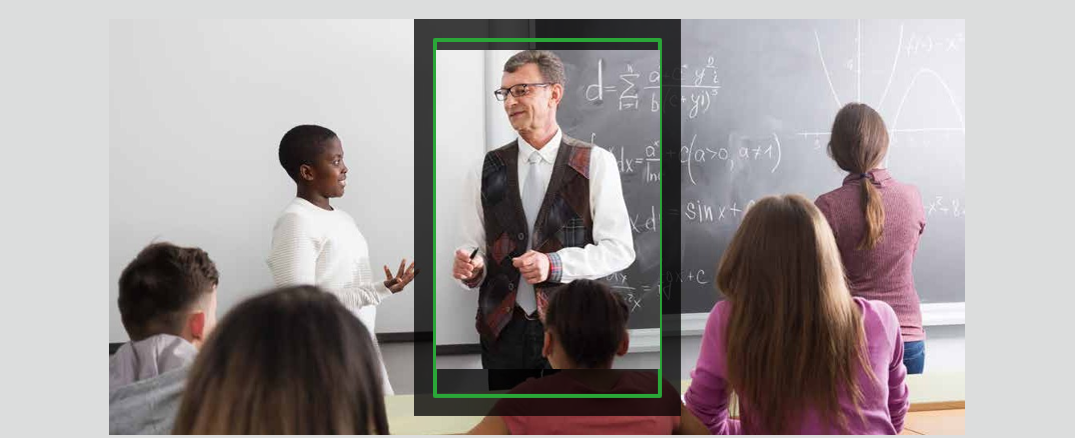
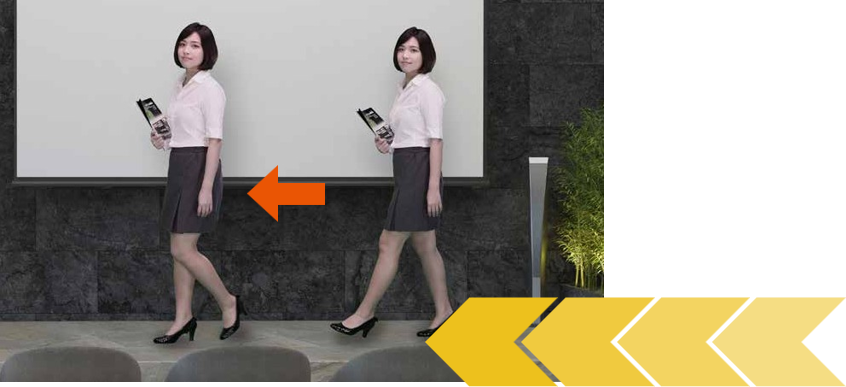
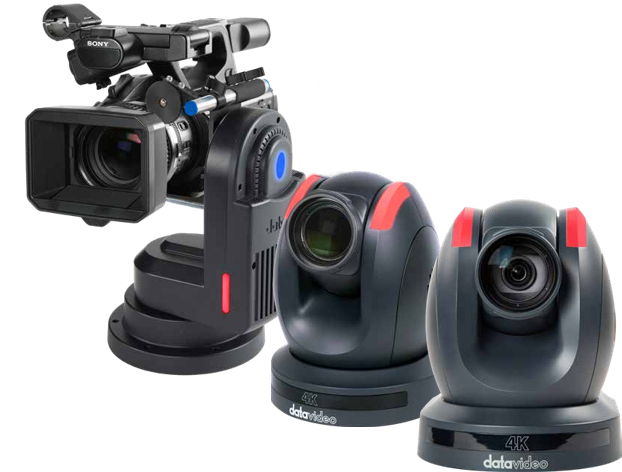
Custom Auto Presenter Tracking- People filming multiple people, but you can designate a person for Auto tracking. Once linked to the camera, only the designated person will be tracked, avoiding other interferences.
Smart Trainer Speed Adaptation- Shaped Speed Curve just like how the lift accelerates or decelerates, the camera lens movement will be smooth, avoiding jerky movements that are visible to naked eyes.
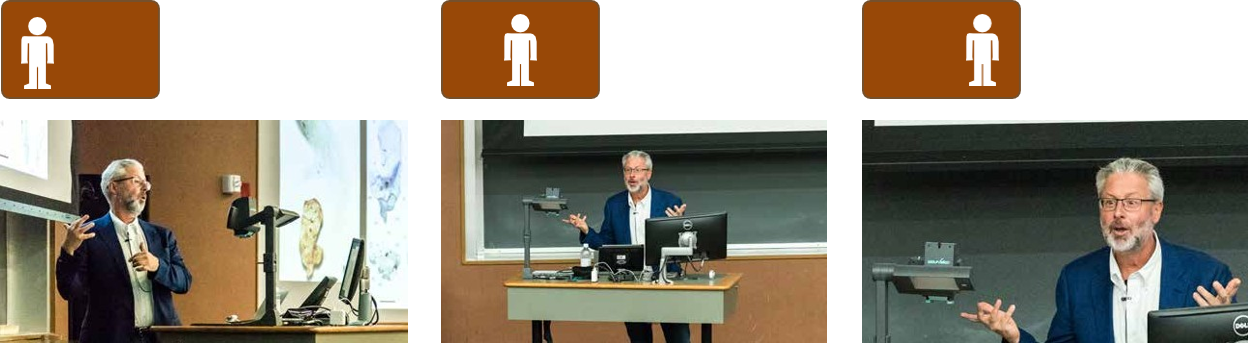
Trainer Position: Center / Left Side / Right Side - Videographers may also place the trainer on the left third or right third of the frame, leaving adequate space in the foreground
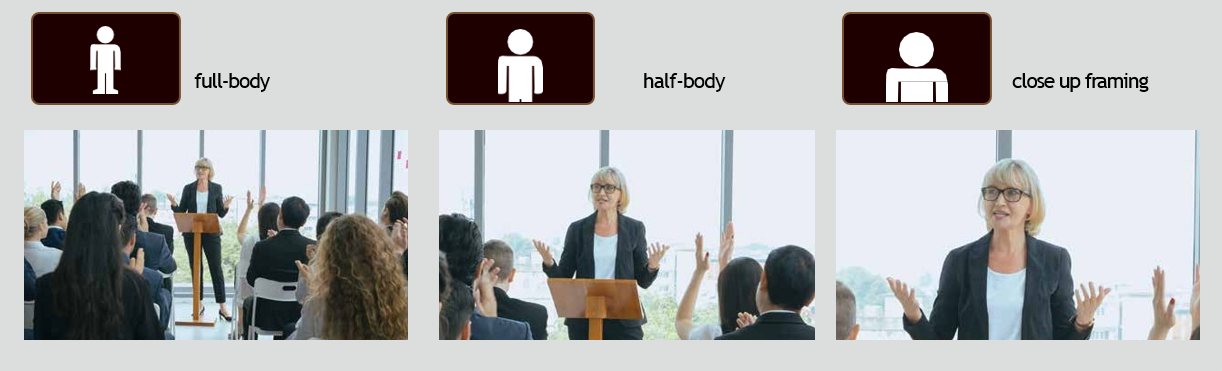
Easy Selection of Zoom for the trainer - User can quickly select full-body , half-body and closeup framing, making it easy to change the shooting scene and framing requirements.
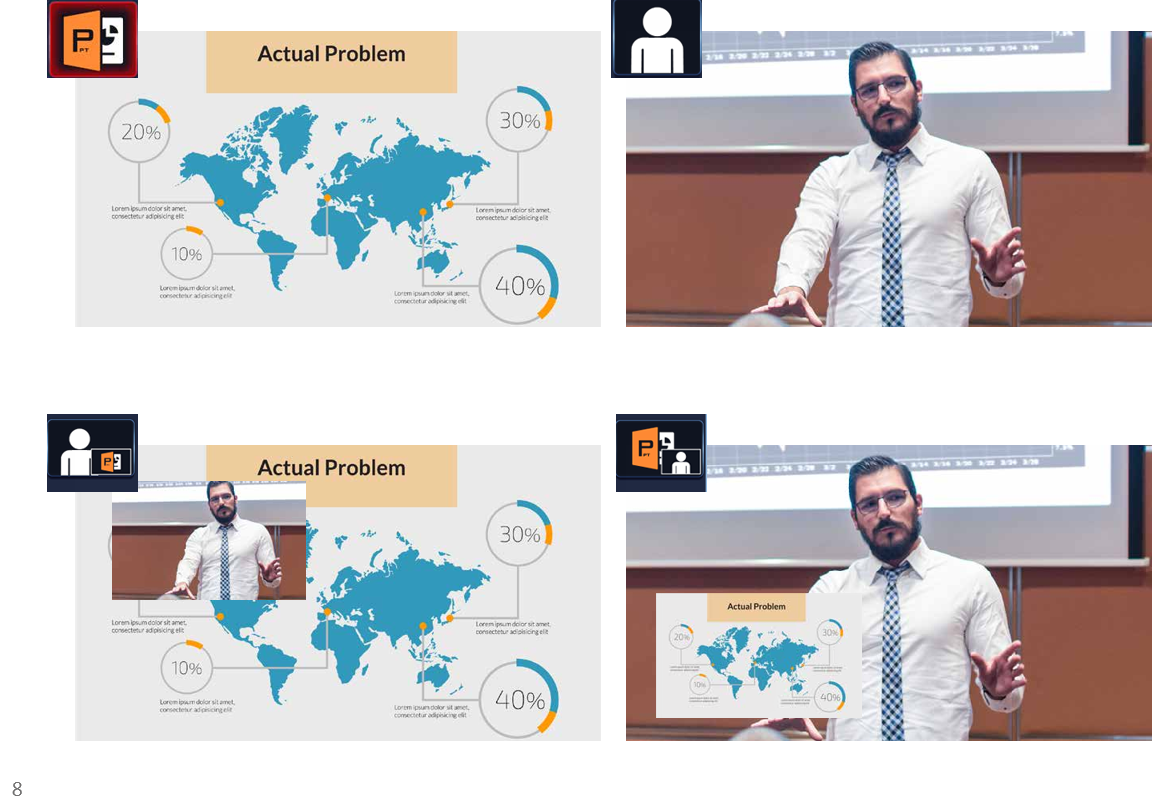
1. Showing their Presentation & Video in PIP Mode
Switch rapidly between your presentation and the camera input or overlay a PIP window on the program video. You can also swap between the program out video and the PIP image, thereby enhancing the quality of your presentation.
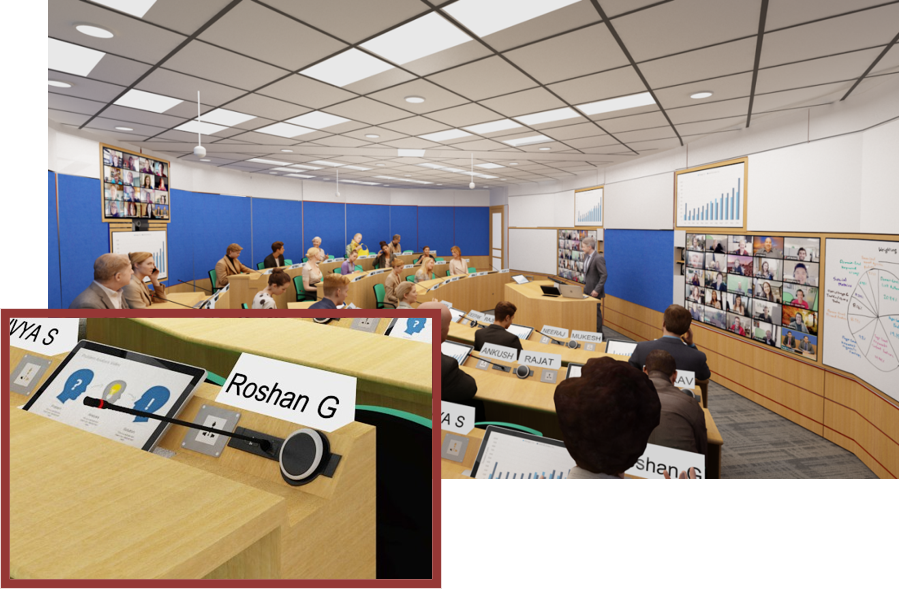
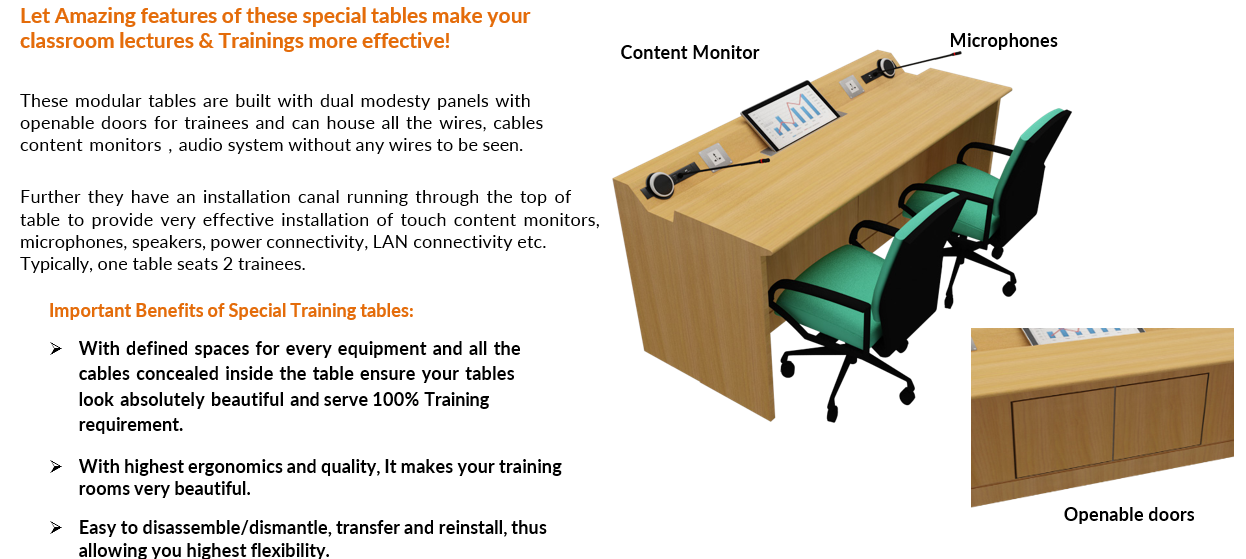
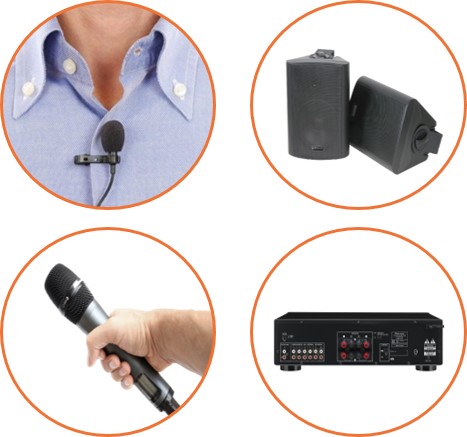
Professional local voice lift for trainees, using either embedded wired goose neck/ boundary layer microphones or ceiling tile microphones encourage all the trainees to ask more questions which in turn increases training effectiveness manifold.
The wired goose neck microphones based local speech reinforcement provides up to 20 DB voice enhancement.
Ceiling tile Microphones based Voice Lift provides up to 12 DB voice enhancement.
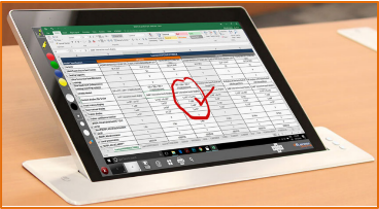
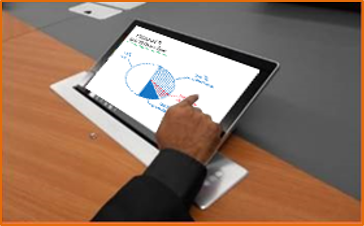
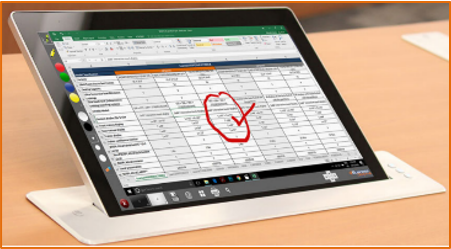
Trainers & Trainees touch enabled content & annotation monitors will empower your trainees to interact with your trainees on the same whiteboard and the same presentation in both local as well as hybrid trainings. Further these content monitors will also help your trainees to have a better view of the content for highly effective learning.
Highly unobtrusive 15.6” embedded on the table motorised and non-motorised Touch Content monitors also enable multiple locations interactive whiteboarding using your fingers and comment on the content/content annotation without acting as an obstruction for hiding hands of the participants.
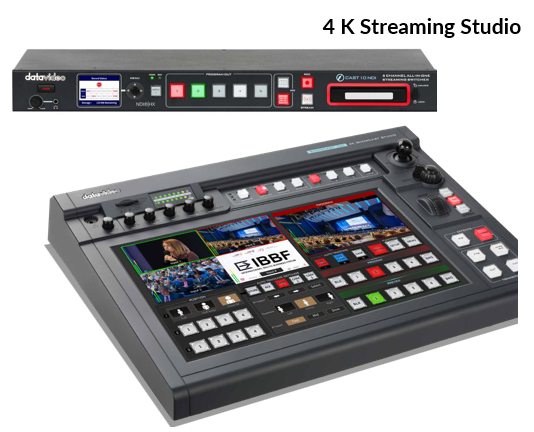
Live streaming & recording with a single camera for small rooms and multiple cameras for large rooms will help you build the digital recording of all the trainings to make them accessible for the trainees to learn on demand.
Easy Installation: Four HDMI Inputs, Portable and Innovative for Diverse Programs You can connect three cameras to the SHOWCAST 100for precise control and configuration.
The touch panel allows easy and intuitive access to a variety of switcher functions.
Live streaming & recording with a single camera for small rooms and multiple cameras for large rooms will help you build the digital recording of all the trainings to make them accessible for the trainees to learn on demand.
Easy Installation: Four HDMI Inputs, Portable and Innovative for Diverse Programs You can connect three cameras to the SHOWCAST 100for precise control and configuration.
The touch panel allows easy and intuitive access to a variety of switcher functions.
(1) Amazing Audio Experience in your Hybrid Trainings !
High quality audio teleconferencing systems with built in Echo/ Noise Cancellation enables the trainers , local trainees and remote trainees have a complete echo & hiss free highly intelligible audio for higher training effectiveness
(2) Empower Trainer & local trainees to see far participants much bigger for highly effective training !
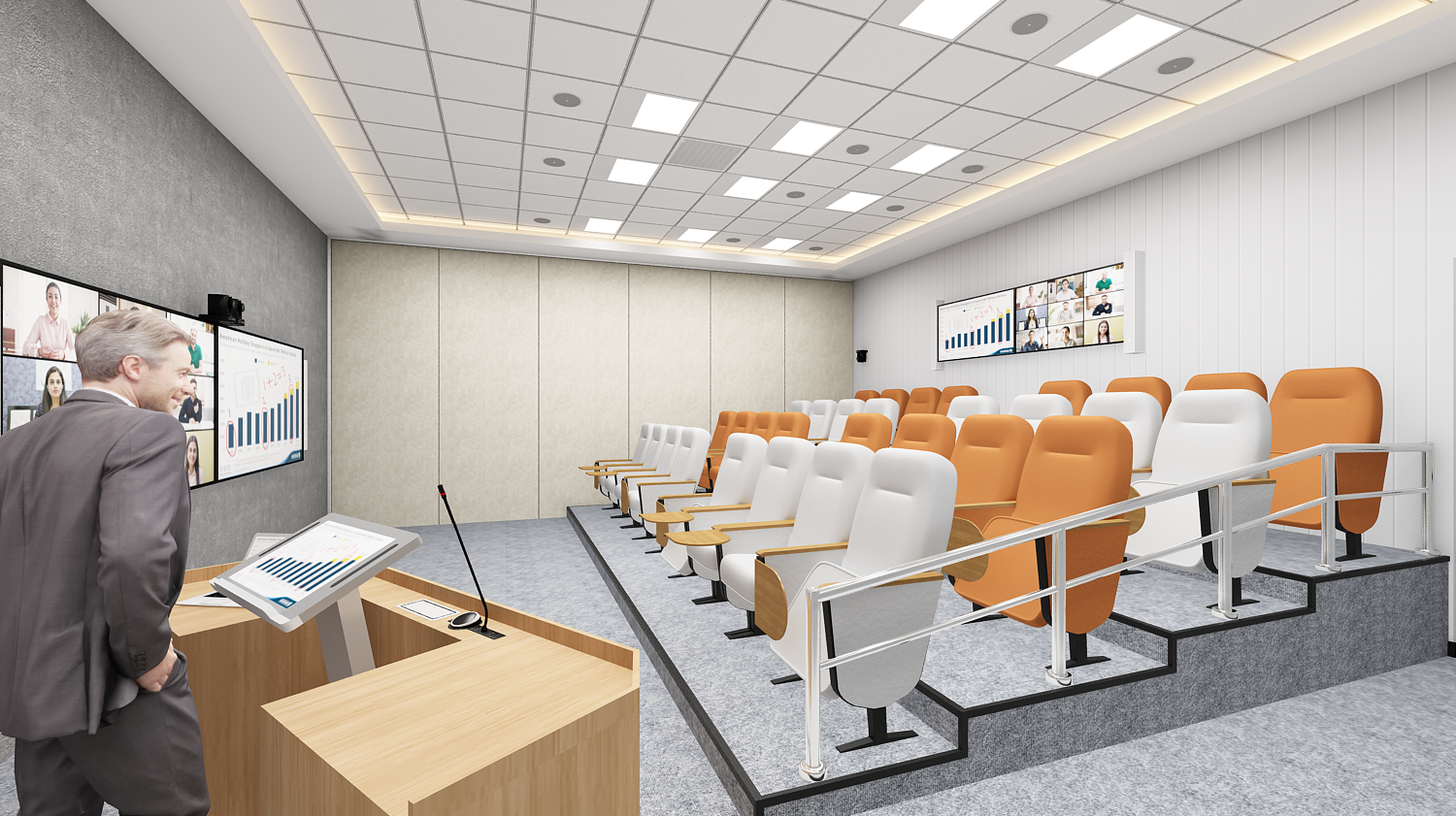
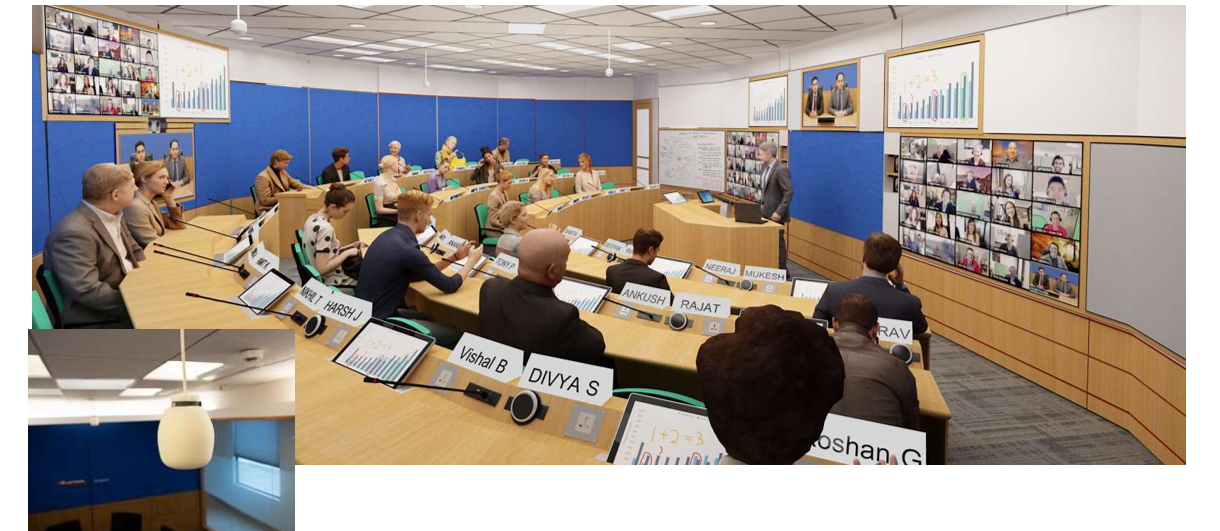
See far site video trainees much bigger in size on account of seeing the video trainees' gallery view and active speaker view on two separate displays and content separately coupled with the power to read the content crystal clear.
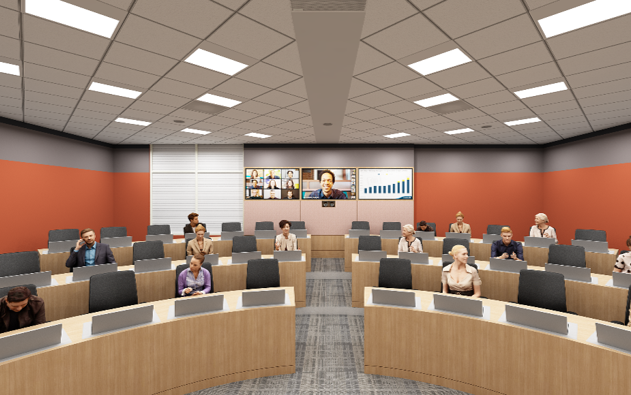
(3) Empower your trainees to see remote trainer life like as if he is standing behind the podium!
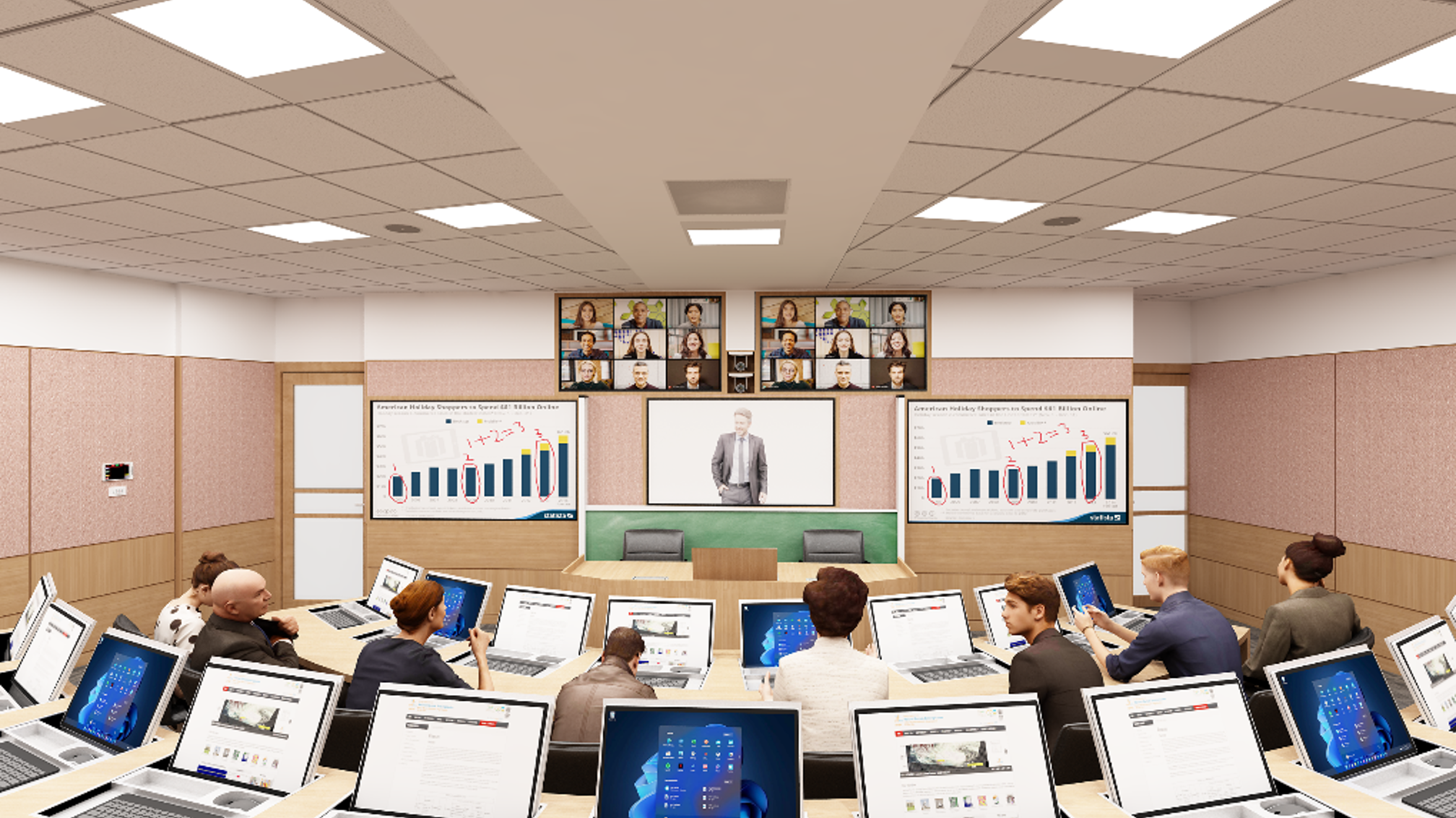
Now it is possible to see the remote trainer life like on the middle display, all other remote trainees on upper two displays and content on two lower big displays in your hybrid video trainings.
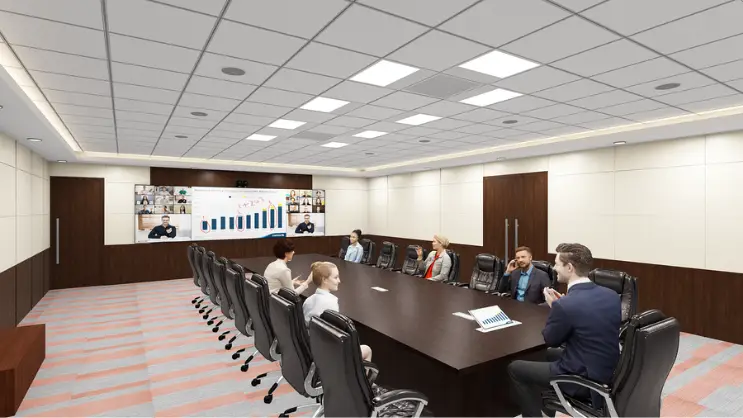
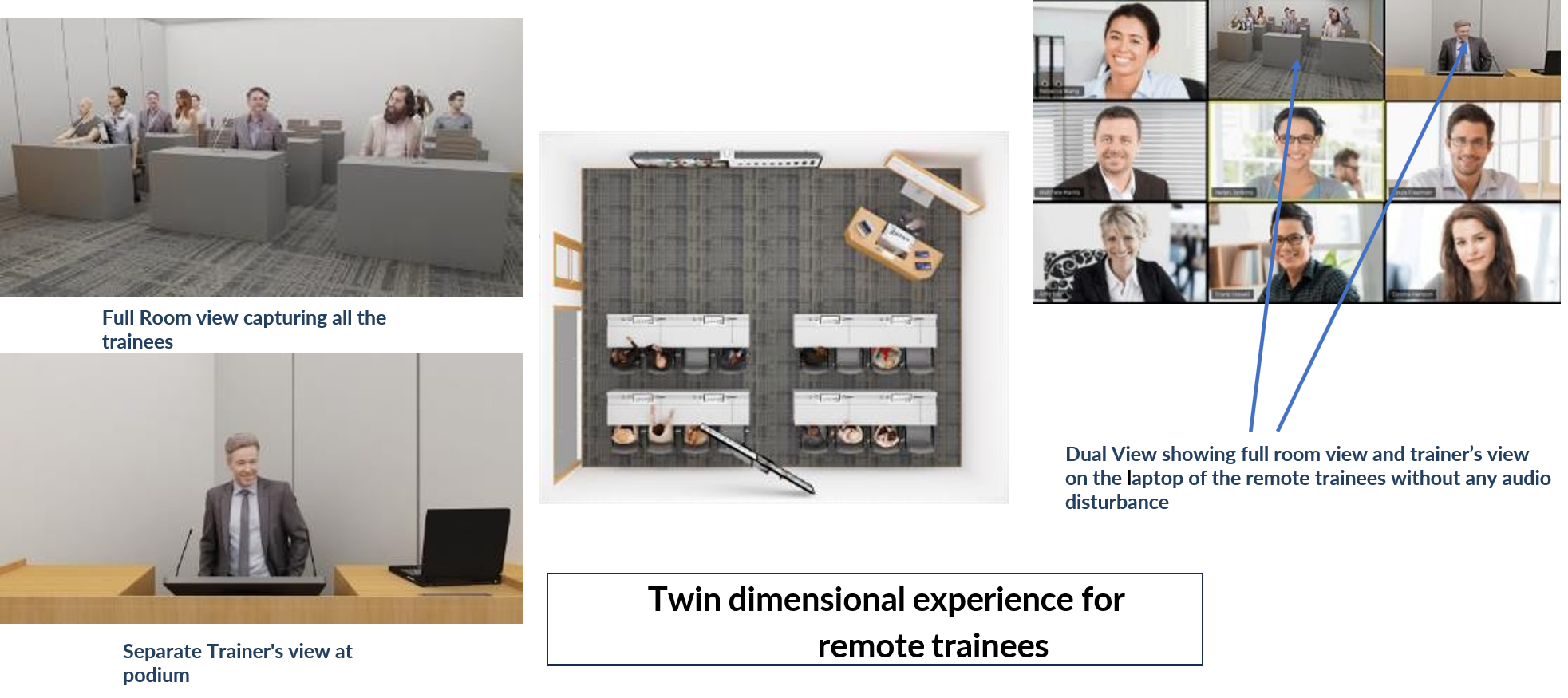
(4) Give your far trainees not one dimensional but multiple dimensional experience for seeing all the trainees along with seeing the active speaker in Video Trainings !

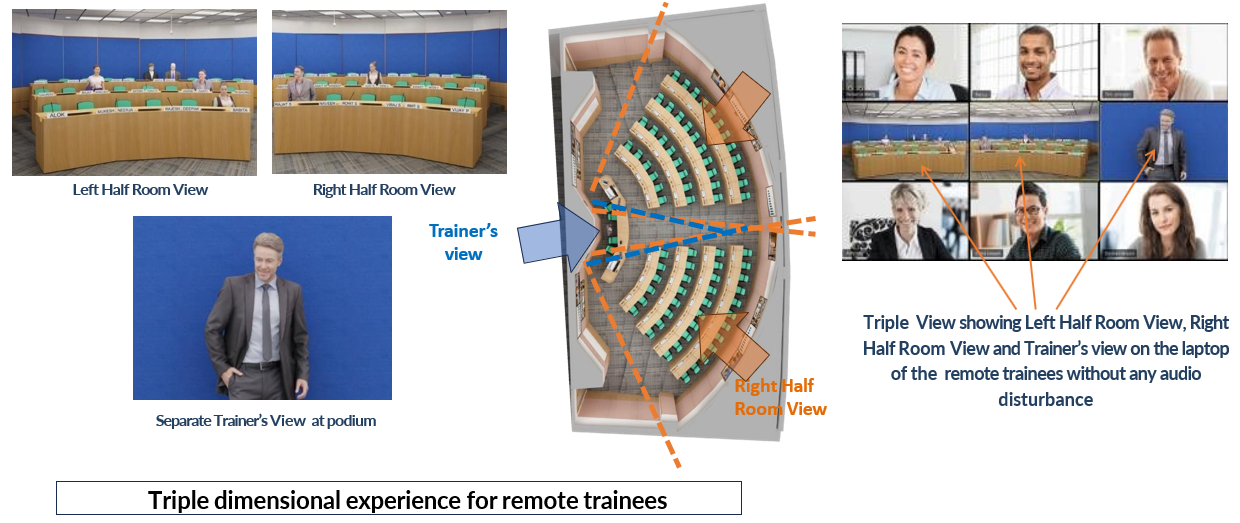
Give your far trainees not one dimensional but triple dimensional experience for seeing all the trainees along with seeing the active speaker in Video Trainings !
Instant “Look at Me” capability embedded either on goose neck trainee microphones or ceiling microphones or look at me buttons or on touch content and annotation monitors that improve the interaction substantially between local and remote trainees.
Look at me capability with gooseneck microphones
Look at me capability with Content Monitors
Look at me capability with Tile Mics
Choose the training type
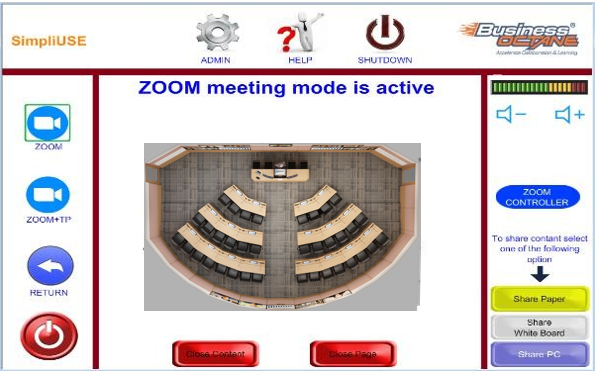
Choose from multiple experiences of Zoom
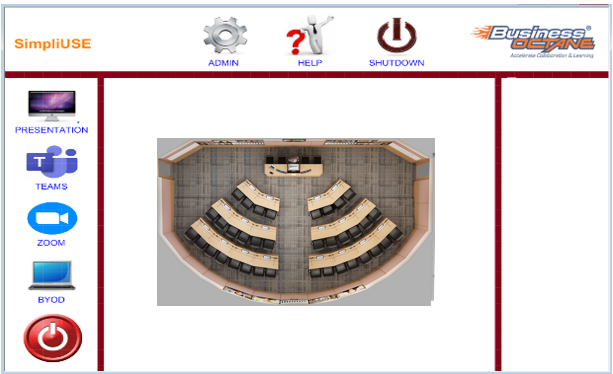
Intuitive GUI to easily navigate for various training options easily.
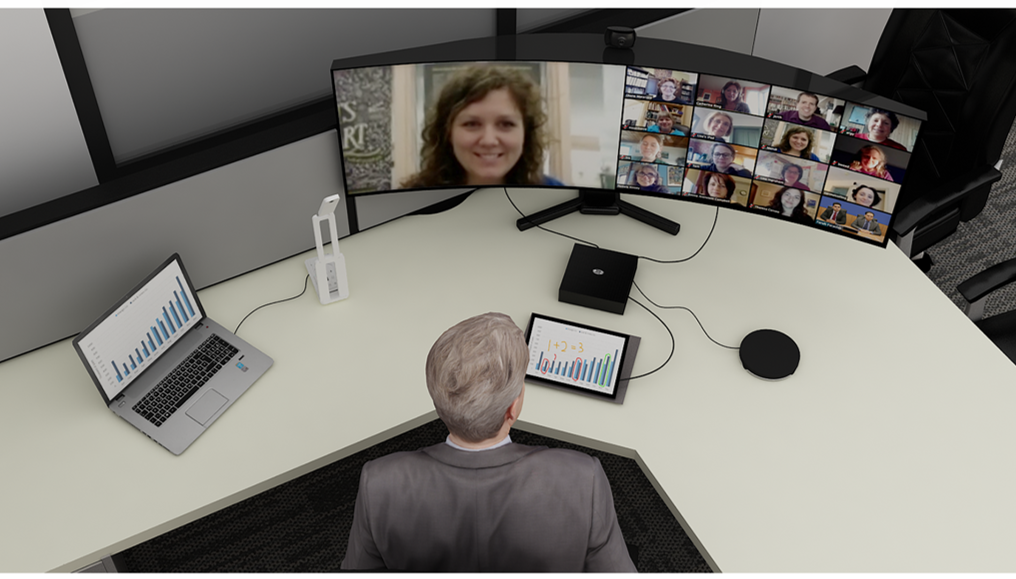
Further they empower remote trainer to look at all the remote trainees (up to 49 ) at all times along with seeing the active speaker for a more interactive training experience
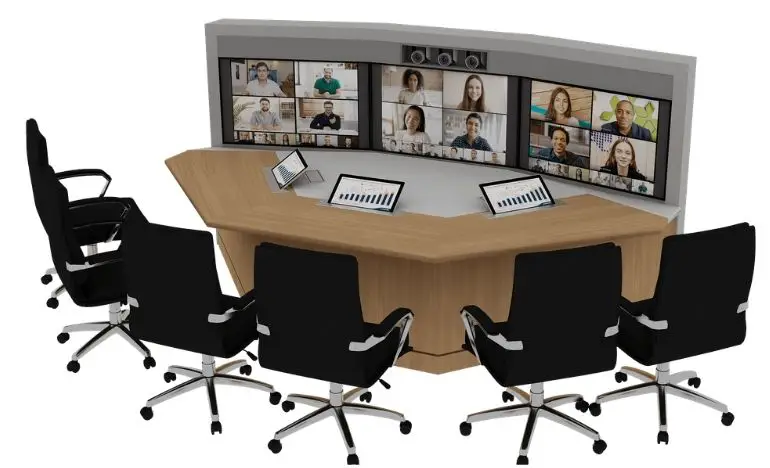
Remote Trainer can share Physical documents/ Book and Content along with seeing the gallery view and the active speaker view of trainees on 2 separate displays at his desk,coupled with content sharing on a third display.
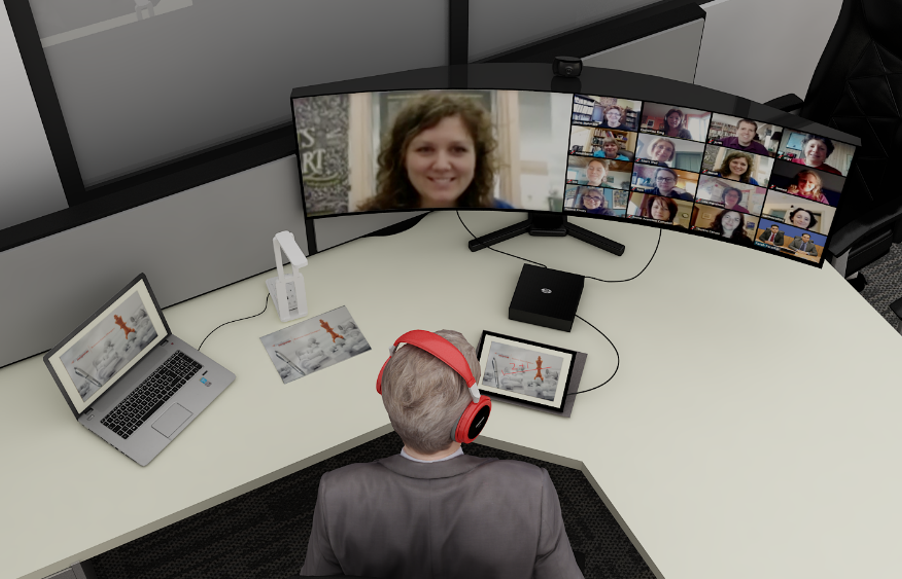
Further they empower remote trainees for a more interactive learning experience
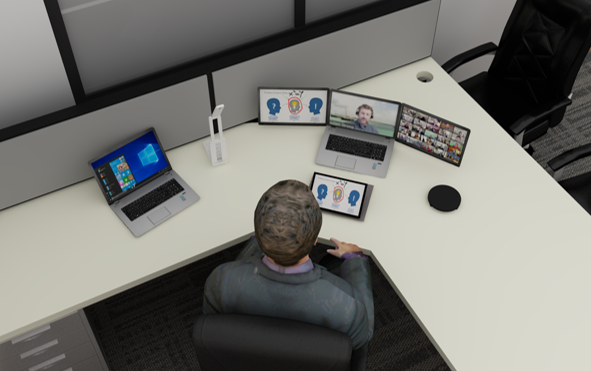
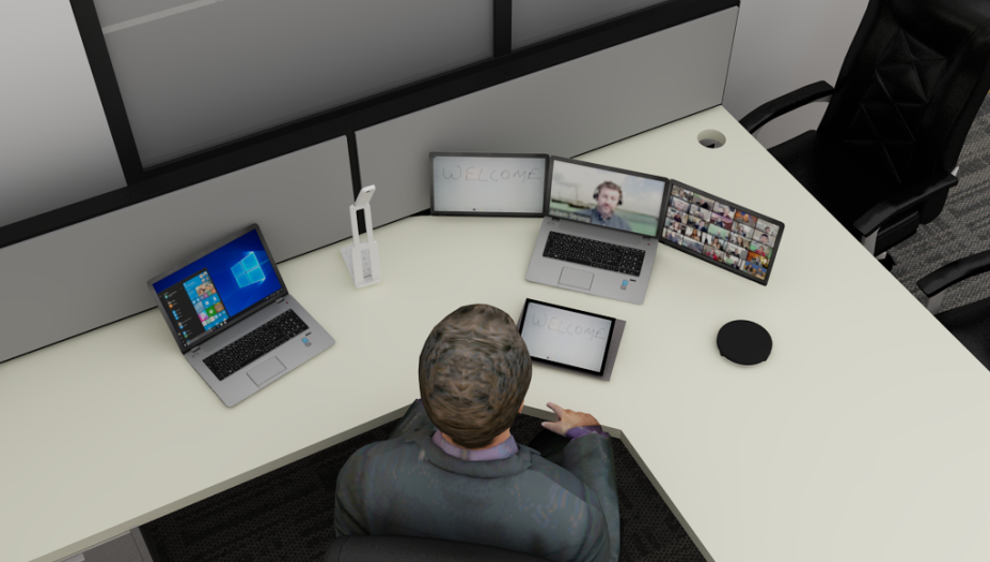
Remote Trainees can see all other remote trainees, Trainer & Content on three screens
Remote Trainees can do whiteboarding too along with the remote trainees

Tell us about your room or use-case, and our team will get back with pricing, availability and a tailored proposal.