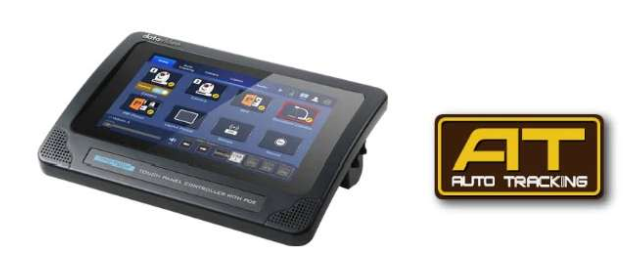
The iCASTIONDI app is installed on theTPC-700 touch pane controller, along with many frequently used control settings. The responsive touch panel allows you to easily switch between different control modes, adding versatility to video production and reducing operational complexity.
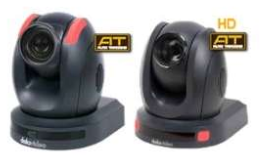
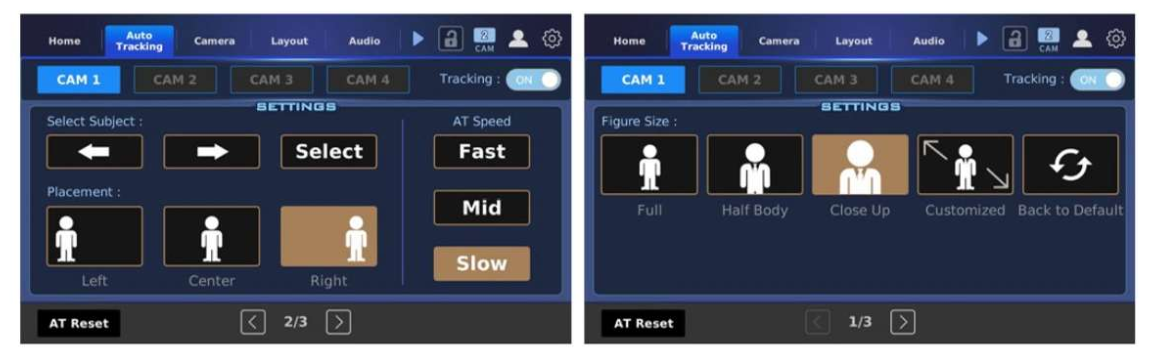
Datavideo offers a range of devices, such as the TPC-700 series, that allow you to quickly enable or disable the Al auto-tracking function of cameras. When paired with the iCAST 10NDI and TPC-700, you can easily control Datavideo's tracking PTZ cameras for quick activation and control.
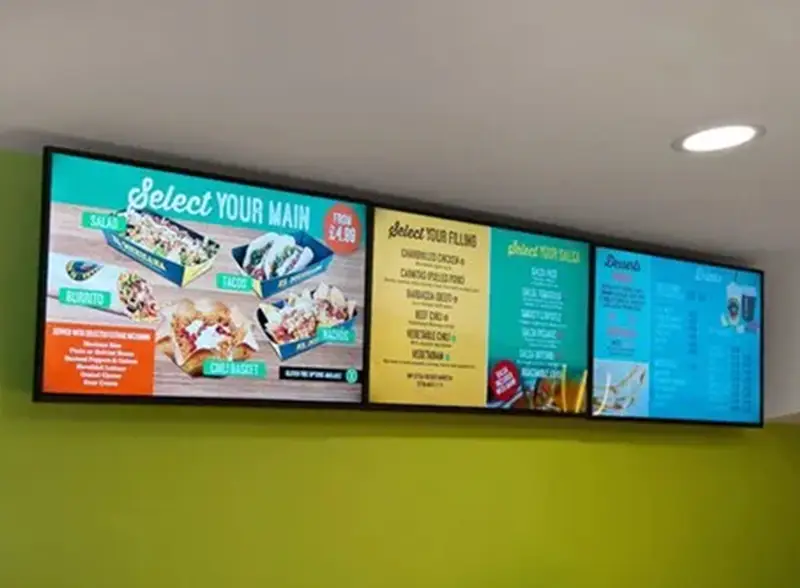
In addition to displaying a full-screen view of the program out put video, you can also stream the four input videos live to your audience. The iCAST10NDI offers five multi view layouts, allowing you to display all your input videos simultaneously. The videos can best stream to audiences worldwide, enabling them to participate in your events with zero delay using a receiver/decoder, personal mobile devices, computers, and more. To satisfy live audience needs, the iCAST10NDI provides physical HDMI outputs, allowing you to connect to TVs, LCD/LED TV walls, and other displays.
| Side by Side | Full Screen | Quad View | PIP | POP |
|---|---|---|---|---|
| With two camera images placed side by side, this layout is often used during Q&A sessions at conferences or House and Senate committee meetings. | This is the most traditional way to deliver the complete image to your audience. It is primarily used in teaching and speech scenarios. | The quad view is typically used for remote meetings, where all participants can show themselves and interact with one another. | PIP stands for "picture in picture," allowing the lecturer to display slides, data, examples, etc., in a sub-window. PIP is useful when both data and the lecturer need to be displayed on the screen simultaneously. | This is a multi view layout with one main window and three sub windows, which is useful in scenarios involving significant interaction, such as corporate meetings, remote lectures, and more. |
You no longer need multiple devices to stream your video to multiple platforms-this is now achievable with just one iCAST 10NDI.
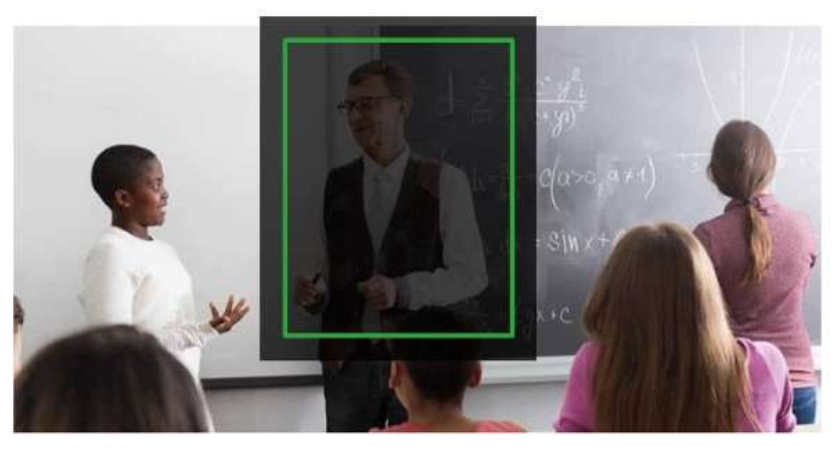
Up to 50% of videos are viewed on mobile devices, and 94% of mobile users hold their phones vertically to view videos. The ICAST 10NDI provides vertical streaming, which can be setup with just a few basic adjustments.
Vertical Streaming
Automatically captures the image in the center for vertical streaming.
Free consultation · Hands-on demo at our Experience Center.