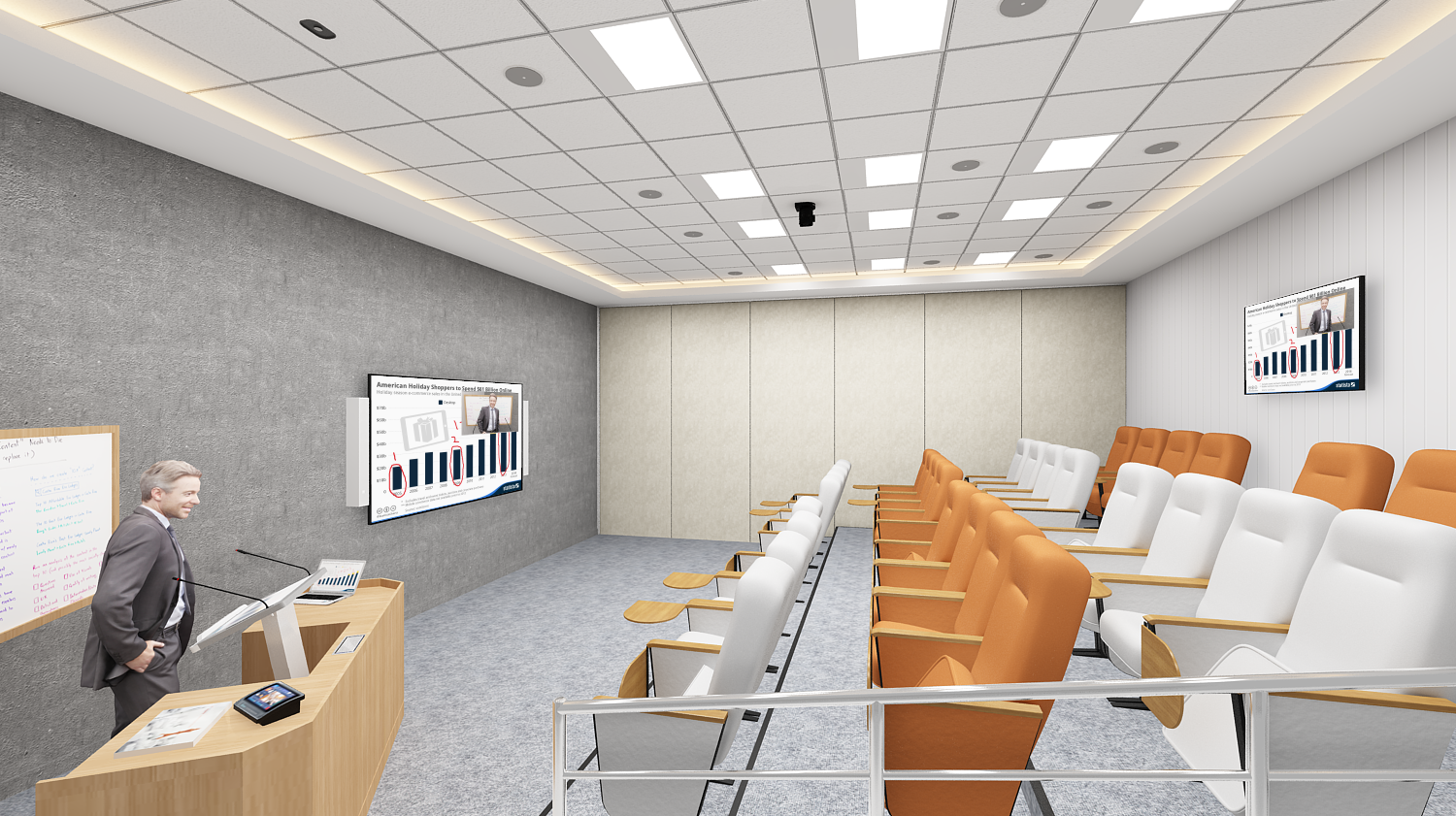
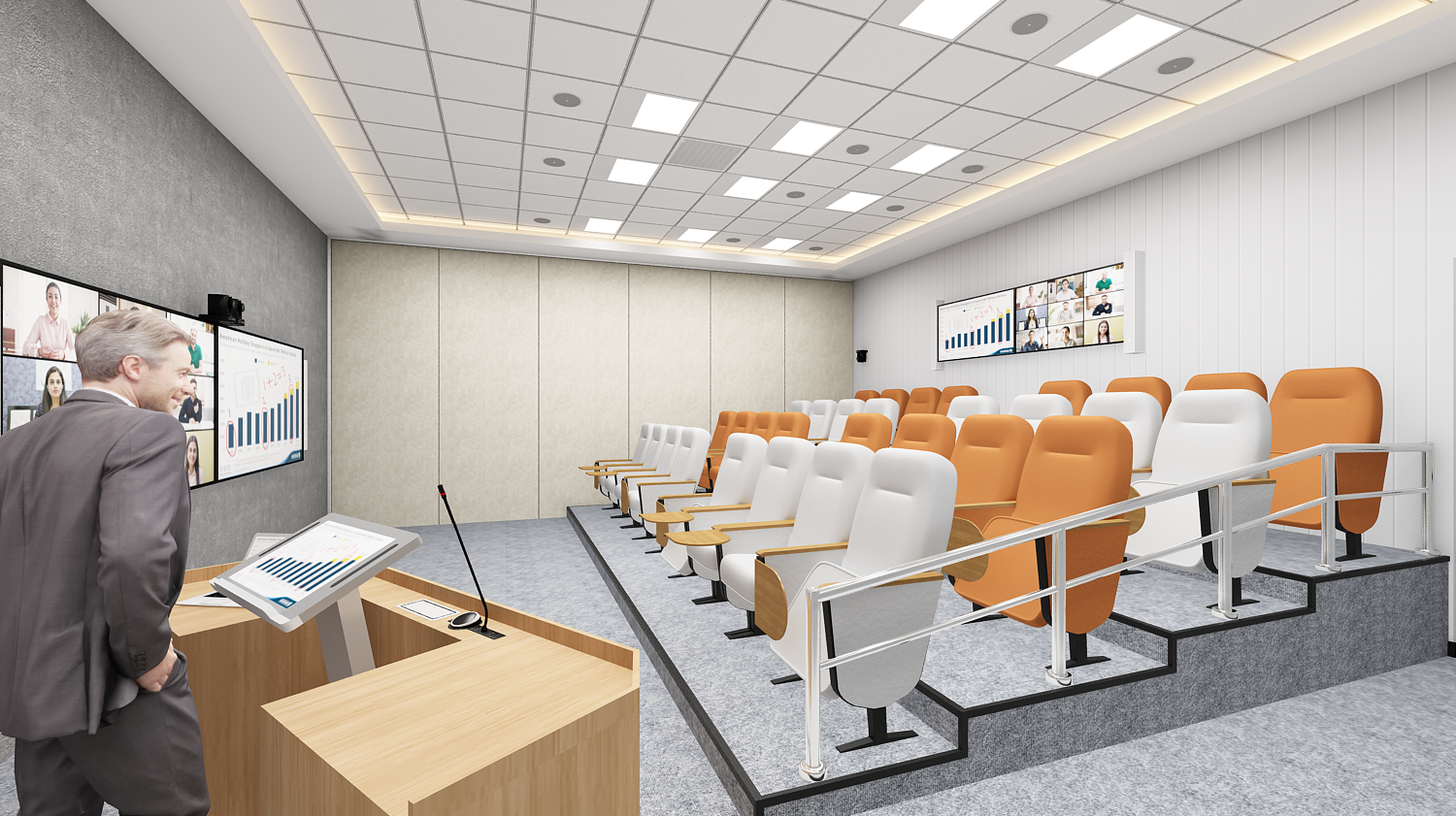
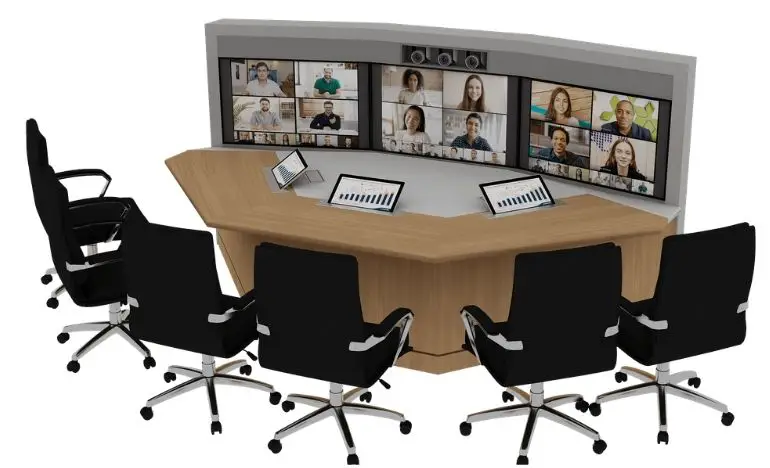
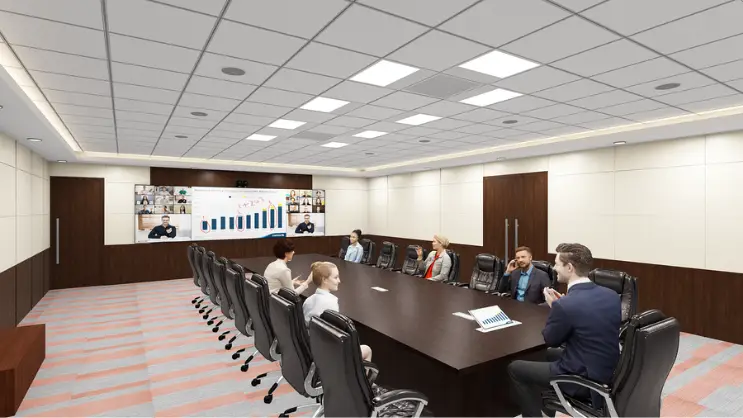
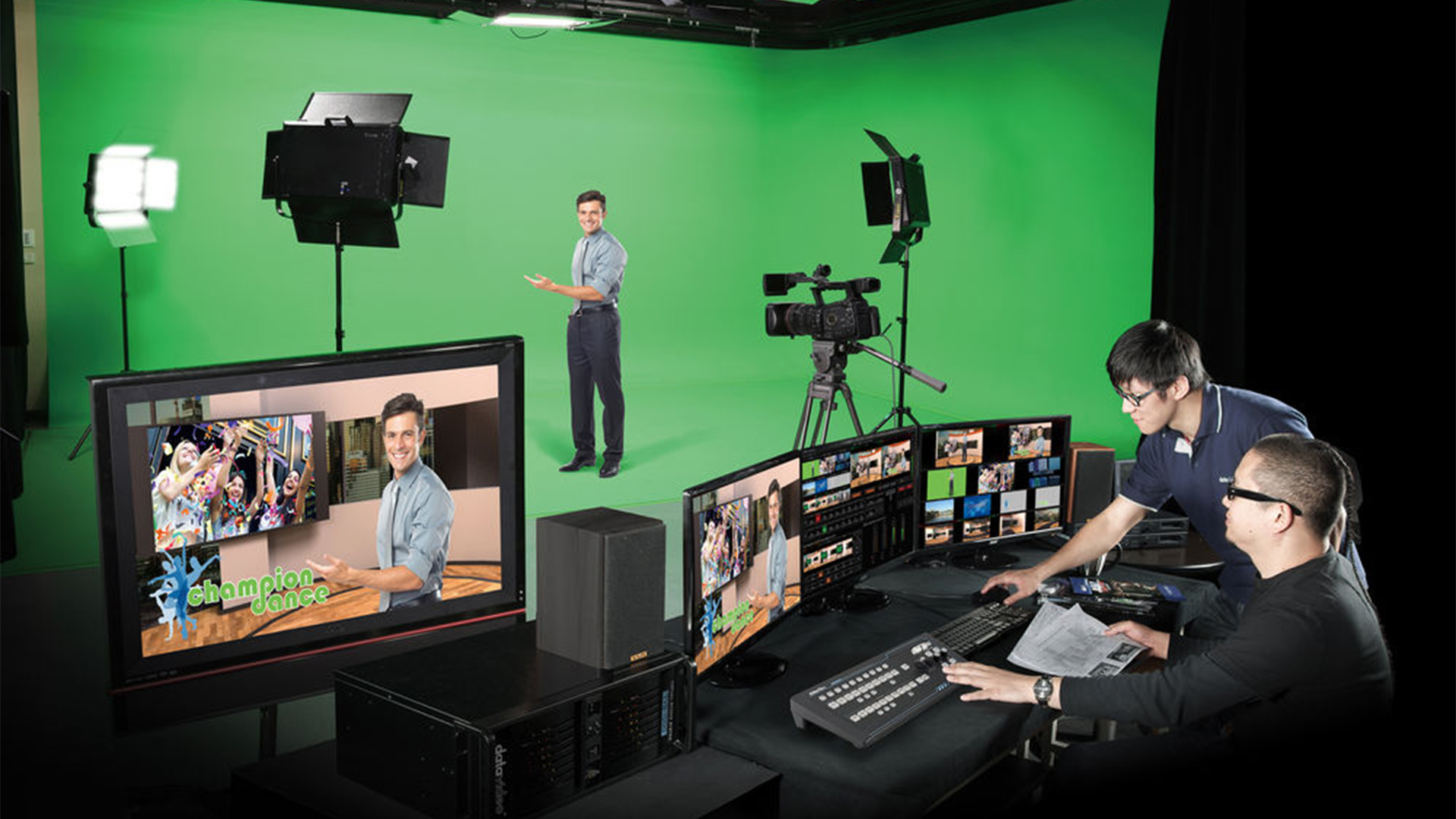
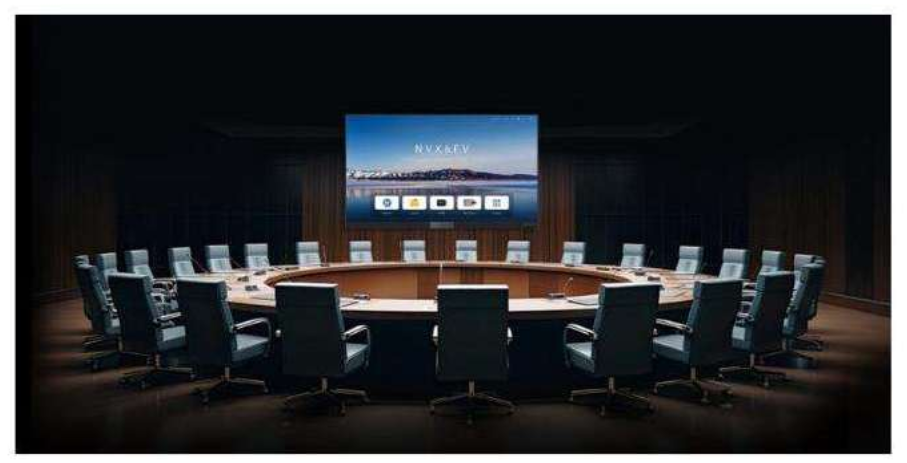
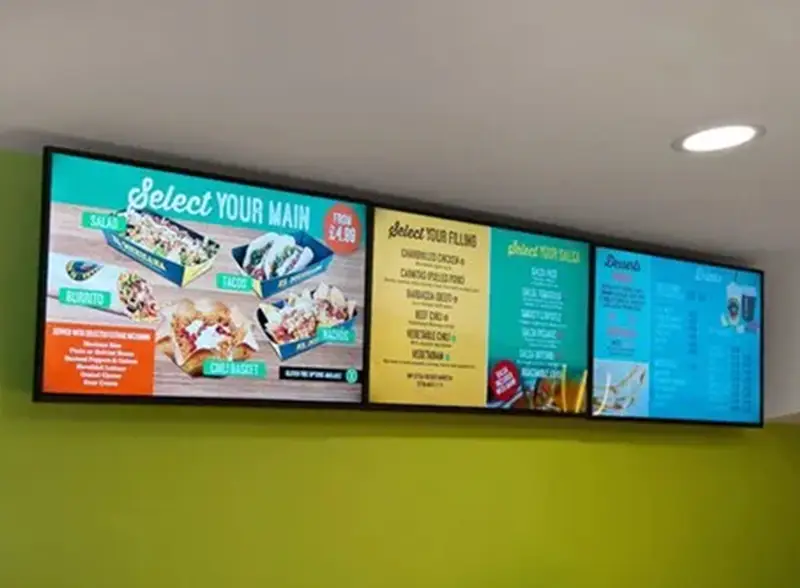
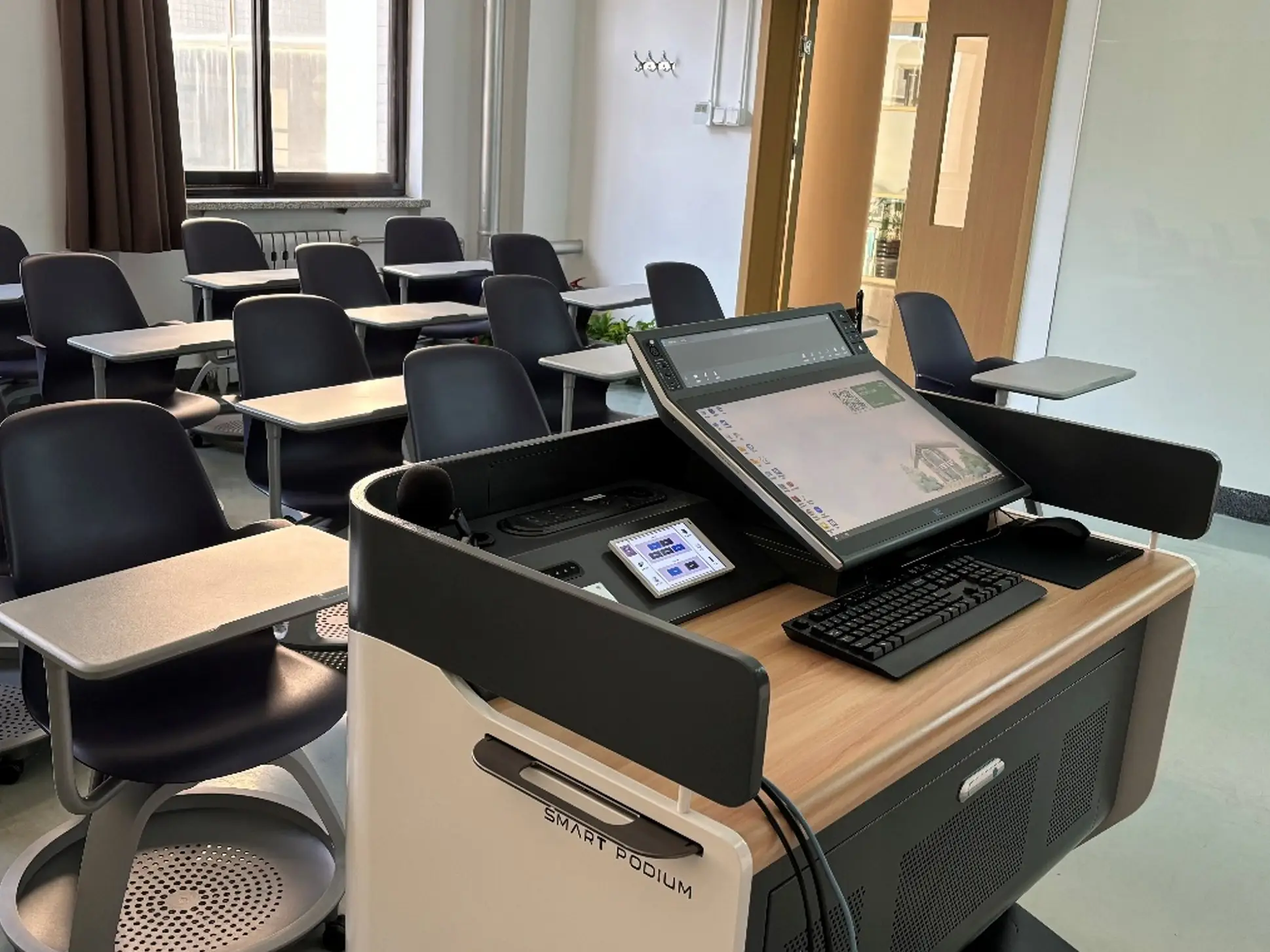
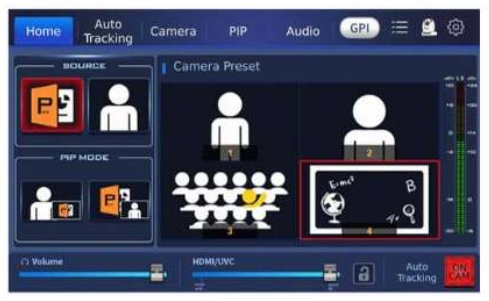
From small scale corporate training sessions to mid-sized hybrid classrooms or conference halls, the iCAST mini is the perfect fit for your online presentation needs. With the one-button-one-function feature on a unique and easy to use touch panel control, even novice users will be able to operate this device.
Switch rapidly between your presentation and the camera input or overlay a PIP window on the program video. You can also swap between the program out video and the PIP image, thereby enhancing the quality of your presentation.
Using a real image as your key icon allows you to easily identify the camera view that is saved in the key.
You can capture camera images and save them as thumbnails which are in turn applied to icons of shortcut keys on the Home screen, simply pressing the thumbnail will send the PTZ camera to the pre-saved position.
The most used platforms for hybrid classrooms are ZOOM, Microsoft Teams, and Google Meet. Without changing the current classroom setting, the iCAST mini can deliver video and audio to any video conferencing platforms via the UVC interface with a USB type C cable. You don't need to install drivers or perform any configuration.
In addition to image keys, you can use the device's built-in graphical. Icons for better identification. We have pre-loaded hundreds of these icons on the device for intuitive operation. Graphical icons can co-exist with the image icons. They not only simplify your workflow but make operation faster and easier.
Free consultation · Hands-on demo at our Experience Center.